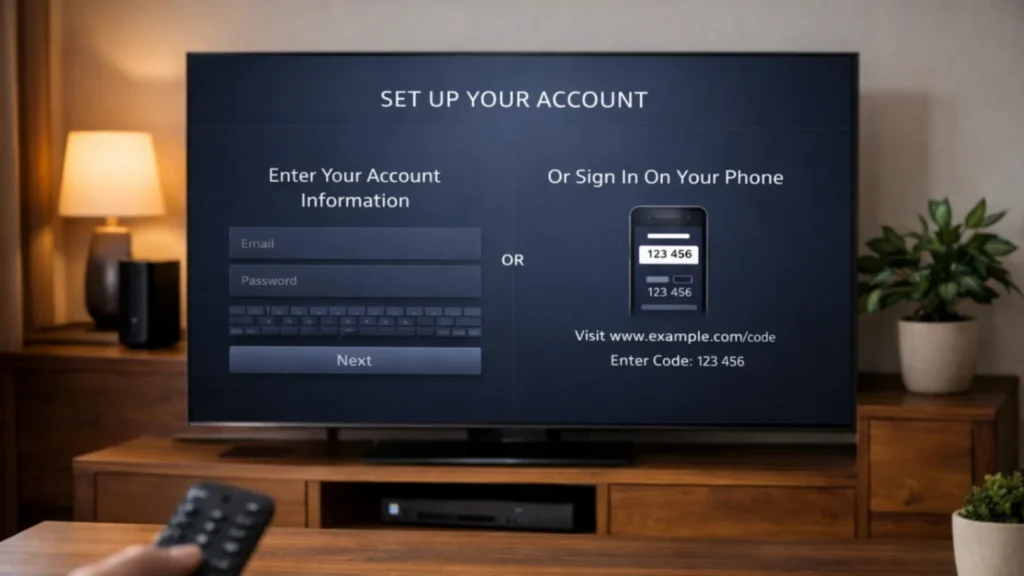
A smooth IPTV Smarters Pro setup can make the difference between a frustrating first login and a simple, enjoyable streaming experience. Many legal IPTV services give users one of two common ways to sign in: M3U playlist details or Xtream Codes style account details. If you are unsure which one to use, this guide explains the difference clearly and helps you choose the option that fits your service best.
This article is focused on legal access, official player apps, and user-friendly setup. It does not encourage unlicensed use. Always use credentials supplied by a provider that is authorized to distribute its content.
What IPTV Smarters Pro setup usually involves
Most people think setup is complicated, but it is usually only a short process made of three parts:
- Installing the player app on your device
- Selecting the correct login format
- Entering your details carefully and allowing the guide to load
Once this is done, you can usually access live TV, VOD, series, and EPG features, depending on your plan and app support.
M3U versus Xtream Codes: what is the difference?
M3U playlist
An M3U playlist is usually a web link that points to your channel and content list. It is flexible and widely supported by many players. Some users like it because it works across many apps and devices.
Xtream Codes style login
This method usually uses a username, password, and server URL. Many users find it easier because it can be faster to enter and often feels cleaner inside the app.
Which one is better?
Neither method is always better for every user. The best choice depends on what your provider sends, what your player app supports best, and which method feels easier on your device.
Devices that support IPTV Smarters Pro setup
You can usually perform an IPTV Smarters Pro setup on many common devices:
- Fire TV devices
- Android TV and Google TV
- Android phones and tablets
- iPhone and iPad, depending on store availability
- Some Smart TVs
- Windows and Mac computers, depending on player availability
For general platform guidance, you can review official support resources such as Android TV Help and Apple Support.
How to complete IPTV Smarters Pro setup with M3U
- Install the player app on your chosen device
- Open the app and choose the M3U or playlist login option
- Enter the playlist name if requested
- Paste or type the M3U URL exactly as your provider sent it
- Save the details and wait for the playlist to load
- Allow time for channels, categories, and guide data to appear
The main advantage of this method is flexibility. The main weakness is that long URLs can be harder to type on a TV remote.
How to complete IPTV Smarters Pro setup with Xtream Codes
- Open the player app
- Choose the Xtream Codes or account login option
- Enter the username, password, and server URL
- Check carefully for typing mistakes
- Save and allow the app to import the account data
Many users like this method because it often feels cleaner and easier than typing a long M3U link.
Which setup is better for beginners?
For many beginners, Xtream Codes style login feels easier because the fields are shorter and more structured. M3U can still work very well, especially if you are setting up on a device with a keyboard or easy copy-paste function, such as a computer or phone.
Common IPTV Smarters Pro setup mistakes
- Choosing the wrong login method
- Typing the server URL incorrectly
- Adding extra spaces by mistake
- Closing the app before the guide fully loads
- Using outdated login details
- Installing the wrong version for your device
These problems are more common than major technical failures, so always start by checking your inputs.
How to make the app work better after setup
Once your IPTV Smarters Pro setup is complete, spend a little time improving the experience.
- Test live TV and VOD separately
- Open the settings menu and explore playback options
- Add favorite channels for faster access
- Check whether the EPG is loading correctly
- Keep your device and app updated
When to use M3U and when to use Xtream Codes
Use M3U when your provider sends only a playlist link or when you want broad app compatibility. Use Xtream Codes style login when your provider supports it and you want a simpler login process, especially on a television device.
If you are still unsure, the best approach is to ask your provider which login type is recommended for your player and device. A small clarification at the start can save a lot of setup time later.
Why this topic matters for customer experience
Many support requests happen during first login. A clear IPTV Smarters Pro setup guide reduces stress, shortens onboarding time, and improves customer satisfaction. It also makes the service feel more premium because users can start watching sooner.
How to keep setup legal and safe
Only use official app sources, official provider instructions, and authorized account details. Avoid copying random credentials or using unknown setup files from websites you do not trust. Official device help pages can also be useful for app and performance support, such as Amazon Fire TV Help.
Final thoughts on IPTV Smarters Pro setup
A good IPTV Smarters Pro setup is not about complicated tricks. It is about matching the right login method with the right app on the right device. M3U offers flexibility. Xtream Codes style login often offers convenience. If you enter your details carefully, use a legal provider, and give the app time to load properly, setup is usually straightforward and your streaming experience becomes much easier from the start.
FAQ
Is M3U better than Xtream Codes?
Not always. M3U is flexible, while Xtream Codes style login is often easier for beginners.
Why does my IPTV Smarters Pro setup fail even with the right app?
The most common reasons are typing mistakes, incorrect login method selection, or outdated account details.
Can I use the same login on more than one device?
That depends on the connection policy of your subscription plan.
Does IPTV Smarters Pro setup include EPG automatically?
It can, but it depends on whether your provider supplies guide data and whether the app imports it correctly.
What is easier on a TV remote, M3U or Xtream Codes?
For many users, Xtream Codes style login is easier because the fields are shorter and more structured.