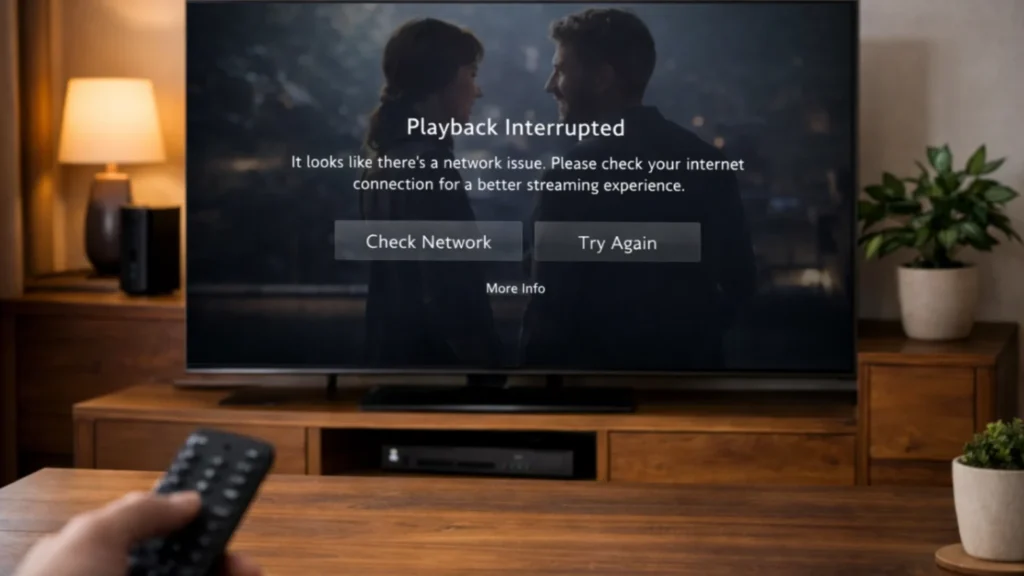
Nothing ruins streaming faster than playback that stops every few seconds. If you are searching for how to fix IPTV buffering, the good news is that many buffering problems can be improved with a few smart checks. In many cases, the issue is not only the service. It may be your device, your network, your player app, or the way everything is set up together.
This guide explains the most practical steps to improve streaming quality on Firestick, Smart TV, Android devices, and computers. It focuses on legal IPTV use, device comfort, and realistic troubleshooting.
What IPTV buffering really means
Buffering happens when the app cannot load video data fast enough to play smoothly. This can appear as pauses, spinning icons, sudden drops in quality, or channels taking too long to open. The problem may happen on live TV, VOD, or both.
When asking how to fix IPTV buffering, it is important to understand that there is rarely one single cause. The issue often comes from a chain of small weaknesses.
Most common reasons for IPTV buffering
- Weak Wi-Fi signal
- Low internet speed during busy hours
- An overloaded streaming device
- Outdated player app
- Poor app optimization on your device
- Guide and playlist data still loading
- Old device software
Start with the easiest checks first
1. Restart the device
A restart can clear temporary issues and free up memory. This is one of the simplest and most effective first steps.
2. Restart your router
Home networks can become unstable over time. Restarting the router can help refresh the connection and improve performance.
3. Check your internet speed
If multiple devices in your home are using the network at the same time, streaming quality may drop. Test your speed and compare results during the times when buffering is worst.
General network guidance from official sources can help, such as Google network tips.
How to fix IPTV buffering on Firestick
Firestick is popular, but it can slow down if too many apps are active or if the device has been running for a long time without a restart.
- Restart the Firestick
- Close apps running in the background
- Update the Fire TV system software
- Update the IPTV player app
- Move the device closer to the router if possible
Amazon also offers device troubleshooting help at Fire TV support.
How to fix IPTV buffering on Smart TV
On Smart TVs, the issue is often app performance or limited hardware. Some TV apps are less optimized than their Firestick or Android TV versions.
- Update the TV software
- Update the IPTV app
- Restart the TV fully
- Clear old app data if the option exists
- Consider using an external device if the TV feels slow
If your Smart TV app store is limited, a Firestick or Android TV device may offer a smoother long-term experience.
How to fix IPTV buffering on Android TV and mobile
Android devices often have more app choices, which is helpful, but the performance still depends on the device quality and the app itself.
- Check for app updates
- Check for Android system updates
- Free storage space if the device is full
- Restart the device
- Try a different player app if performance is poor
Official Android TV support resources are available at Android TV Help.
Reduce unnecessary pressure on your network
If many people in the home are gaming, downloading large files, or watching high-resolution video at the same time, buffering becomes more likely. Even a strong package from your internet provider can slow down under heavy household use.
Try these improvements:
- Pause large downloads while watching
- Use 5 GHz Wi-Fi if supported
- Place the router in a better location
- Use Ethernet for streaming devices if possible
Choose the right playback quality
Many users want the highest quality at all times, but that is not always the smartest choice. If your internet is unstable, selecting a lower or more stable stream can create a better real-world experience than constant stops on a high-bitrate stream.
Check whether the player app is part of the problem
Sometimes the issue is not the subscription or the internet. It is the player app. One app may load channels smoothly while another struggles on the same device. If you have ongoing problems, try testing your service on another compatible player app, if your provider allows it.
How to fix IPTV buffering during peak hours
If your service works well in the morning but buffers at night, the issue may be related to home internet congestion or wider network traffic during busy hours. This does not always mean your setup is wrong. It may simply mean that the conditions are different later in the day.
In this case:
- Test at different times
- Use a wired connection if possible
- Reduce other heavy network activity
- Check whether your player app has adaptive playback settings
Why device age matters
Older Smart TVs and entry-level streaming devices can struggle more with modern apps, large guides, and heavy interfaces. If you have tried everything and performance still feels weak, the device itself may be part of the issue.
How to prevent buffering in the future
- Keep apps updated
- Restart streaming devices regularly
- Keep the router in a strong position
- Use the best player app for your device
- Avoid overloading your home network during viewing time
Final thoughts on how to fix IPTV buffering
Learning how to fix IPTV buffering is really about checking the whole streaming chain, not only the service. Start with the device, the app, and the internet connection. Update what needs updating, restart what needs restarting, and test your setup in a practical way. In many cases, a few simple changes can improve playback a lot and make daily streaming feel much more reliable.
FAQ
Is buffering always caused by the IPTV provider?
No. Buffering can also come from your Wi-Fi, device performance, player app, or peak-hour network congestion.
Should I restart my device often?
Yes. A simple restart can clear temporary issues and improve app performance.
Can a different player app reduce buffering?
Sometimes, yes. Some apps are better optimized for certain devices than others.
Why is buffering worse at night?
Home internet congestion and heavier network use during busy hours can make streaming less stable.
Is Ethernet better than Wi-Fi for IPTV?
In many cases, yes. A wired connection is often more stable than Wi-Fi for streaming devices.