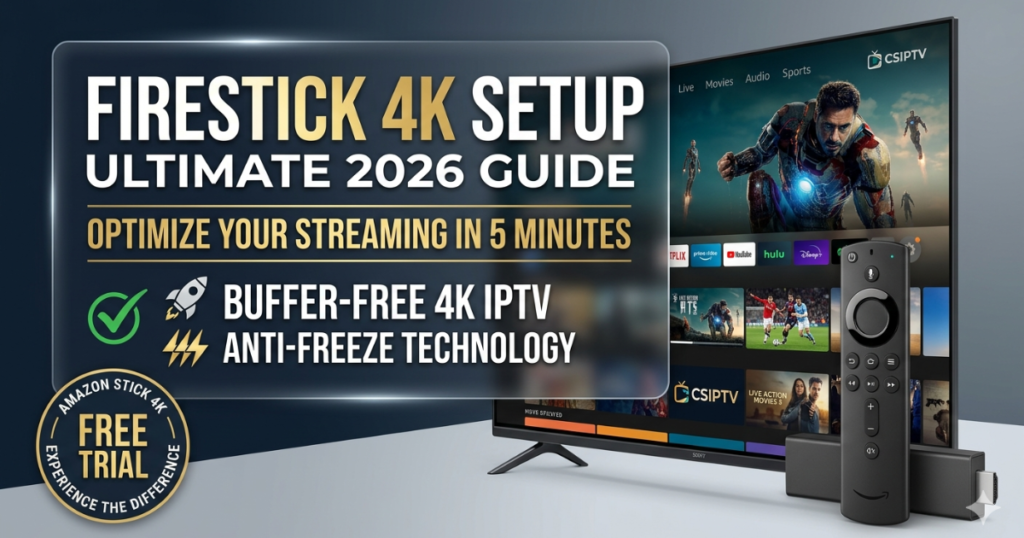
Why Professional Firestick 4K Setup Matters
In 2026, the Amazon Fire TV Stick 4K remains the world’s most popular streaming device. However, a standard “out of the box” Firestick 4K Setup is often cluttered with bloatware and background processes that slow down your streams. To truly unlock the power of your device, you need a configuration optimized for high-bitrate content.
At CSIPTV, we specialize in Redefining digital entertainment. Whether you are a sports fan or a movie buff, this guide will walk you through a professional Firestick 4K Setup that ensures your Premium IPTV Subscription runs with 99.9% stability.
Step 1: The Initial Physical & System Firestick 4K Setup
Before diving into apps, your hardware must be positioned for success.
- Power Source: Always use the included wall power adapter rather than a USB port on your TV. This ensures the device has enough power to handle 4K decoding without crashing.
- HDMI Placement: Use the HDMI extender cable included in the box. This improves Wi-Fi reception by moving the device away from the electromagnetic interference behind your television.
- Display Settings: Go to Settings > Display & Sounds > Display. Set the “Video Resolution” to Auto and “Match Original Frame Rate” to ON. This is a crucial part of a professional Firestick 4K Setup to prevent motion judder in live sports.
Step 2: Unlocking Developer Options (2026 Method)
To install the best players like TiviMate or the official CSIPTV app, you must enable sideloading.
- Navigate to Settings > My Fire TV > About.
- Highlight the device name and click the center button 7 times.
- Go back one step to find Developer Options.
- Turn on Install Unknown Apps for the Downloader utility.
Step 3: Integrating CSIPTV with Your Firestick 4K Setup
Once your device is “unlocked,” it’s time to add your content. We recommend using Xtream Codes over a traditional M3U Playlist because it is significantly faster and more stable on Amazon hardware.
| Feature | Recommended Setting | Benefit |
| Login Method | Xtream Codes API | Faster EPG loading & VOD updates |
| Video Decoder | Hardware (HW) | Smoother 60fps playback |
| Buffer Size | 4 – 8 Seconds | Eliminates minor network blips |
| EPG Source | 7-Day Interactive | Accurate scheduling for US/UK/FR |
Why CSIPTV is the #1 Partner for Your Firestick 4K Setup
A professional Firestick 4K Setup is only as good as the stream it receives. CSIPTV provides the Best IPTV USA 2026 experience through:
- Anti-Freeze Technology: Our servers are optimized to work with the Firestick’s architecture to prevent looping.
- Massive Library: Access 55,000+ channels and 95,000+ VODs instantly.
- French Optimization: For users seeking French content, we link directly with IPTV Smarters France.
Pricing & Guarantee
We have made it simple to start. Choose the plan that fits your lifestyle:
- 12 Months (€39.99): The most economical way to enjoy 4K.
- 30-Day Money-Back Guarantee: If our service doesn’t meet your expectations, we offer a full refund.
- 1-Day Free Trial: Enjoy our complete service for 24 hours without paying a cent.
FAQs: Mastering Your Firestick 4K Setup
1. Does Firestick 4K Setup require a VPN?
While not mandatory, a VPN is highly recommended to prevent ISP throttling during live events. This ensures you maintain the 25 Mbps required for 4K.
2. How do I Fix IPTV Buffering after setup?
Go to Settings > Applications > Manage Installed Applications and clear the cache for your IPTV player. This is a vital maintenance step for any Firestick 4K Setup.
3. Can I use Xtream Codes on Firestick?
Yes. Xtream Codes is the preferred method for our service as it provides a much more user-friendly interface than an M3U Playlist.
4. Is the setup different for the Firestick Lite?
The steps are identical, but the Lite version does not support 4K resolution. For the best experience, we always recommend the 4K or 4K Max models.
5. How do I get my activation details?
After choosing a plan, your login credentials will be sent to your email within 5 minutes.
Unlock Your Device’s Potential
Stop wasting your Firestick 4K Setup on low-quality apps. Experience 55,000+ channels in stunning 4K today.
- Try for Free: Get your 1-Day Trial and see the 4K difference.
- Go Premium: Purchase the 12-Month Plan and join the #1 IPTV community in 2026.