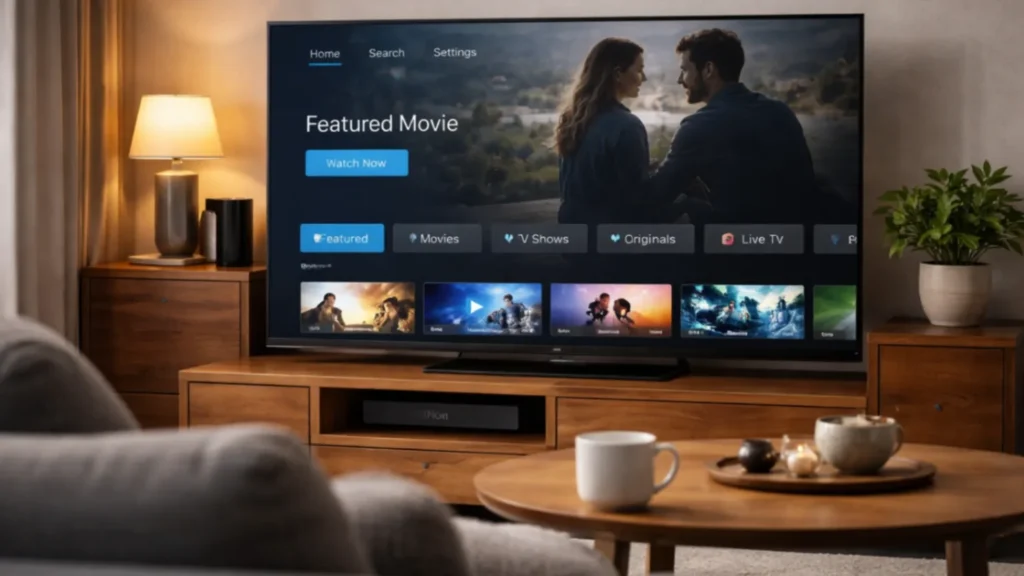
Watching IPTV on Smart TV is one of the most comfortable ways to enjoy live channels and on-demand content at home. You use the biggest screen in the house, keep the setup simple, and avoid extra hardware if your television already supports the right apps. For many users, this is the most natural way to turn a subscription into a daily viewing habit.
This guide explains how IPTV on Smart TV works for Samsung, LG, and Android TV. It focuses on legal setup, official app sources, and practical tips that improve comfort and performance.
Why users want IPTV on Smart TV
There are several reasons why Smart TV setup is attractive:
- No need for a separate device in some cases
- One remote for easier control
- Clean setup in the living room
- Large screen for EPG and browsing
- Good option for family viewing
That said, not every Smart TV offers the same app support. This is why setup steps and app choices can vary by brand.
Can all Smart TVs run IPTV apps?
Not all Smart TVs are equal. Some televisions have strong app stores, while others are more limited. Android TV and Google TV often provide broad flexibility. Samsung and LG TVs can also support IPTV apps, but app availability may vary by region, model, and software version.
Official manufacturer support pages are useful when checking app and system details, such as Samsung TV support and LG support.
What you need before setting up IPTV on Smart TV
- A legal IPTV subscription
- Your login details or playlist information
- A stable internet connection
- A compatible IPTV player app for your TV
- Enough time for first-time guide and playlist loading
How to set up IPTV on Samsung Smart TV
Samsung TV users should start by checking the TV app store and confirming whether a compatible IPTV player app is available. The exact options depend on the model and region.
- Open the Samsung app store
- Search for a compatible IPTV player
- Install the app from the official store
- Open the app and choose the correct login method
- Enter your provider details carefully
- Wait for channels and guide data to load
Once loaded, test live channels, categories, and search. If the TV app feels slow, an external device may still provide a smoother experience.
How to set up IPTV on LG Smart TV
LG TVs also support selected apps, but again availability depends on the model and webOS version. The process is similar to Samsung.
- Open the LG content store
- Search for a player app that supports your login format
- Install from the official store
- Enter your account details
- Allow playlist and guide data time to import
If your LG TV has limited options, consider whether a Firestick or Android TV device may offer better flexibility later.
How to set up IPTV on Android TV
Android TV is often one of the easiest Smart TV systems for IPTV because app support is usually broader. Many users choose Android TV for this reason alone.
- Open Google Play on the TV
- Search for a compatible IPTV player
- Install the app
- Choose your login option
- Enter your details carefully
- Test guide and playback features
Google’s official device help is available at Android TV Help.
Best practices for using IPTV on Smart TV
- Keep the TV software updated
- Keep the app updated
- Use strong Wi-Fi or Ethernet if possible
- Restart the TV if the app becomes slow
- Use favorites to improve navigation
These simple habits can improve the experience a lot over time.
When Smart TV is enough and when it is not
For some households, IPTV on Smart TV works perfectly well with no extra hardware. For others, an external device may offer better performance, better app support, or easier updates. The answer depends on the age of the TV, the strength of the operating system, and the player apps available.
Common problems with IPTV on Smart TV
- App not available in the TV store
- Guide loads slowly
- Remote navigation feels limited
- The interface is slower than on a streaming stick
- Playback quality drops on weak Wi-Fi
These issues do not always mean Smart TV setup is wrong. They simply show that built-in TV systems can vary more than dedicated streaming devices.
Why many users still prefer a TV-first setup
Despite some limitations, IPTV on Smart TV remains attractive because it is clean and direct. There are fewer cables, fewer devices to manage, and less complexity for family members. For users who care about a tidy living room and simple daily viewing, this setup can be ideal.
How to choose between Smart TV, Firestick, and Android box
If your television already supports a good IPTV app and runs smoothly, Smart TV setup may be the best answer. If the app store is weak or the interface feels slow, Firestick or Android TV may be better. Think about long-term comfort, not only first-time setup.
Final thoughts on IPTV on Smart TV
Using IPTV on Smart TV can be a smart and comfortable choice when your television supports the right player app and your internet connection is stable. Samsung, LG, and Android TV each offer different strengths, but the setup principles stay the same: use official apps, enter details carefully, and choose the option that feels easiest every day. The best setup is the one that works well not just once, but all week long.
FAQ
Can Samsung and LG TVs both run IPTV apps?
Yes, many models can, but app availability depends on the region, software version, and TV model.
Is Android TV better for IPTV?
For many users, yes, because app flexibility is often stronger.
Should I use built-in TV apps or an external device?
Use whichever gives you better app support, speed, and comfort in daily use.
Why does IPTV on Smart TV feel slower than on Firestick?
Some TV systems have weaker hardware or less optimized apps than dedicated streaming devices.
Can Ethernet improve IPTV on Smart TV?
Yes. A wired connection can be more stable than Wi-Fi for streaming.